Operator's Field Manual
Technical User Guide & Dashboard Manuals
Map Onboarding Tutorial
I
Step One: Search & Territory Selection
Type any street address, city, or ZIP code in the top search bar to center the map viewport on your canvassing territory.
II
Step Two: State Hotspots & Heatmap Analysis
Click "SCAN STATE HOTSPOTS" to activate the high-density Heatmap Layer overlay. Quickly identify concentrated clusters of high-yield solar targets across California, Nevada, Arizona, and Texas.
III
Step Three: Radar Canvassing & LP Scores
Click any map coordinate to execute a 500-meter Radar Scan. Target pins are color-coded by Lead Potential (LP Score):
● HIGH LP SCORE (≥ 70%) — Glowing Green Target Ring● MID LP SCORE (40% - 69%) — Cyan Target Ring● LOW LP SCORE (< 40%) — Amber Target Ring
IV
Step Four: Unlock Contact & Launch AI Outreach
Inspect roof dimensions and build year in the dossier. Click "Unlock Contact Details" to skip-trace phone & email, then dispatch personalized homeowner solar report emails via the AI Outreach Agent!
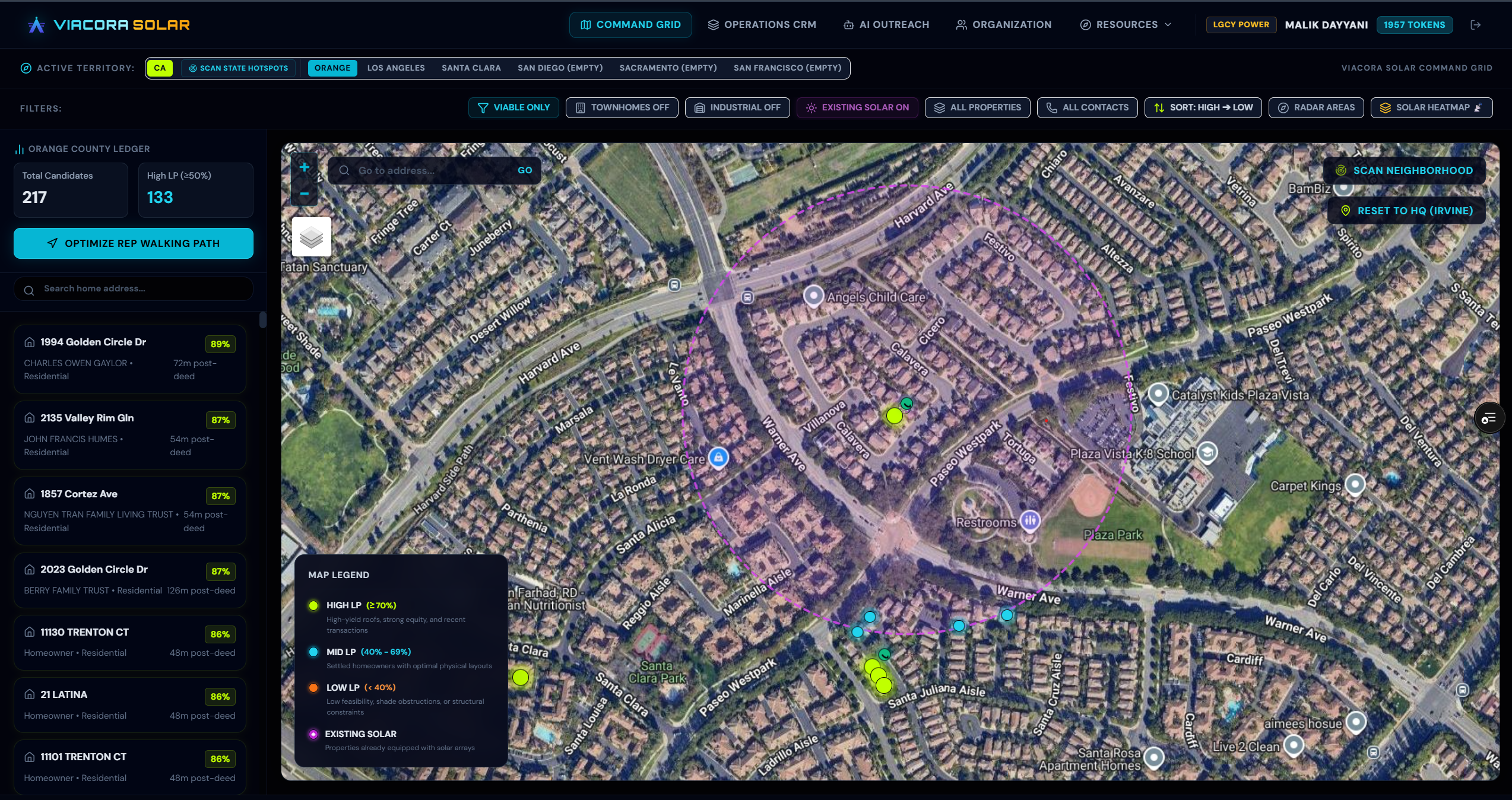
Command Grid Overview
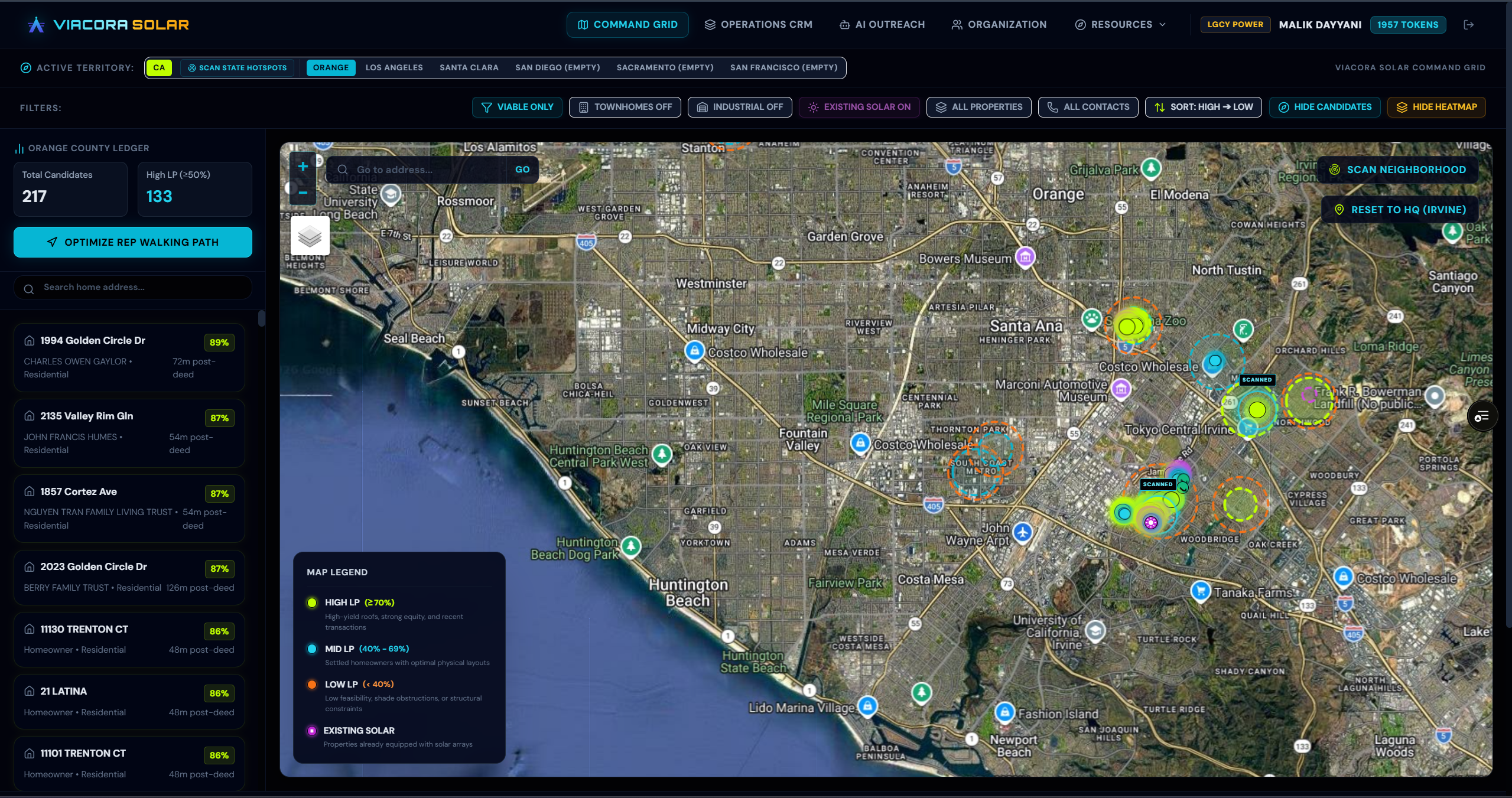
State Hotspot Heatmap Layer
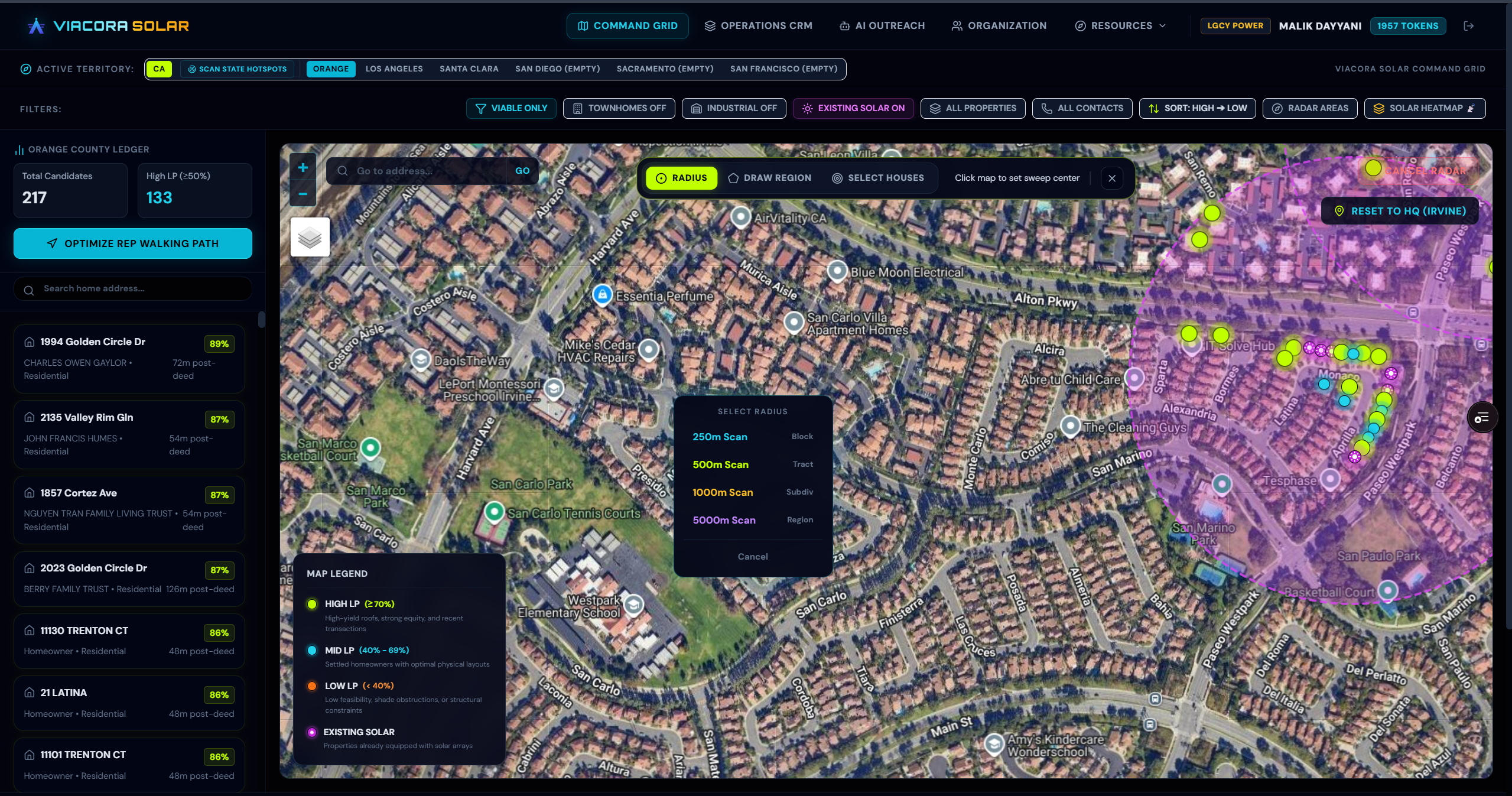
Radar Canvassing & Target Pin Overlay
SECURITY TRANSMISSION LEVEL: ADMIN / OPERATORReturn to Command Grid